
A practical way to review automated meal estimates without mistaking them for measured nutrition.
By Eugene Blago · Updated 29 September 2026 · Educational information, not medical or dietary advice
A meal-photo result is an editable estimate
A photo can make food logging faster, but it cannot reveal every ingredient, portion weight or preparation method. Sauces may be hidden, oils may not be visible and two visually similar foods can have different recipes. A useful system should therefore return a draft that a person can inspect and correct, not a claim of measured intake.
Reviews of image-assisted dietary assessment describe real promise alongside recurring sources of error: food recognition, portion-size estimation, mixed dishes and incomplete ground-truth data. The studies do not establish that one consumer photo can provide a universally accurate calorie or nutrient value.
What the image can and cannot supply
- Often visible: broad food type, approximate count and the presence of separate components.
- Sometimes inferable: an approximate portion when scale, angle and container size provide enough context.
- Usually uncertain: oil, dressing, recipe proportions, cooking yield, brand formulation and ingredients underneath the visible surface.
- Not diagnosed: nutrient deficiency, allergy safety, metabolic response or whether the meal is suitable for a medical condition.
A transparent review workflow
After an automated estimate, check the foods one by one. Replace a generic item with the actual product when a label is available. Correct the serving amount, add cooking oils and sauces, and compare the final entry with the package or recipe. If the precise number matters, weigh the relevant ingredient and keep the unit visible.
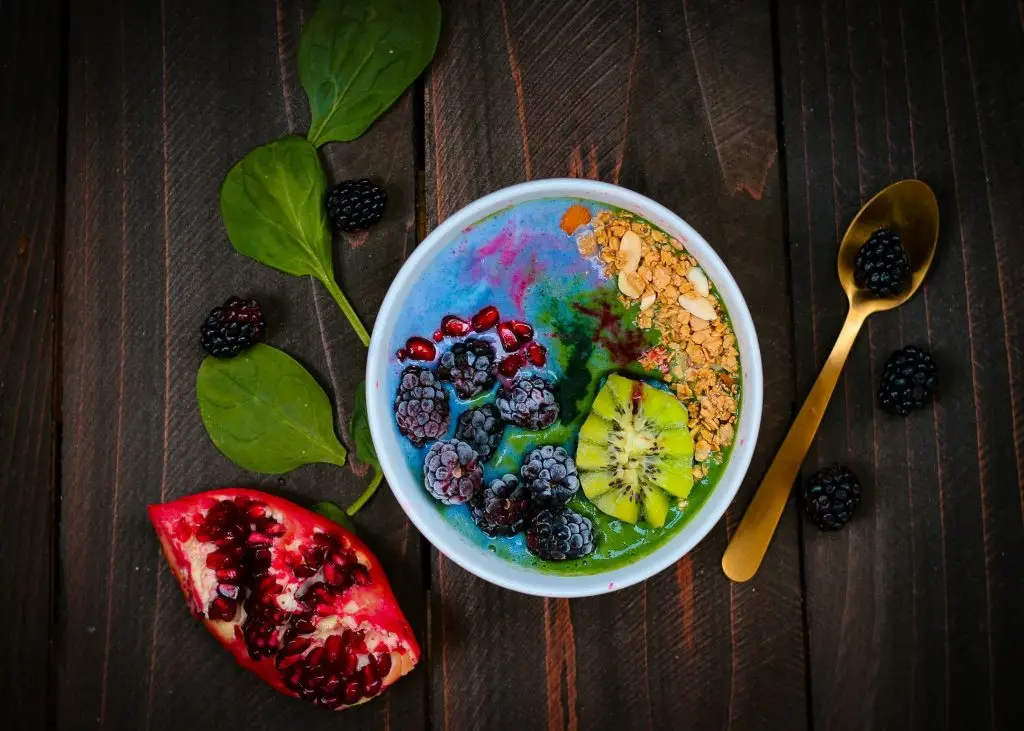
For example, an image might suggest a bowl containing rice, vegetables and chicken. The photograph alone cannot tell whether the rice portion is 120 or 220 grams, whether the chicken was weighed raw or cooked, or how much oil was used. Showing those uncertainties is more useful than hiding them behind a confidence score.
How Nutrinaut frames the feature
Nutrinaut uses photo, voice or text input as a convenience for creating an editable log. It should not be treated as laboratory measurement, a diagnosis or a guarantee of calorie accuracy. A corrected log can still be useful for noticing patterns, planning meals or reducing repeated data entry.
Do not rely on a photo estimate for insulin dosing, allergy management, eating-disorder treatment, a medically prescribed diet or another high-stakes decision. Use package information and advice from an appropriately qualified professional for those situations.
Follow the estimate all the way to the saved meal
The first generated answer and the final diary entry answer different questions. The answer may describe a reference portion. The diary needs the portion you intended to record. Between them, the amount may change, a generic food may be replaced or another analysis may be saved. Compare the same stage before deciding that two different totals are an error.
In our read-only Nutrinaut pilot, 301 daily records with comparable food entries matched their quantity-adjusted sums within 1 kcal. The same check matched only 242 days when quantity was ignored. These records came from daily histories within a 60-account-node selection, spanning 2024–2026, with at most 60 daily records inspected per account. Selection used a fixed-seed SHA-256 account-key ordering and stored-key order within histories. This limited technical sample was not a representative survey or frozen research cohort; test/internal accounts were not fully classified. The data-reading guide explains how to keep arithmetic checks separate from broader claims.
This verifies one addition rule, not food recognition or nutritional accuracy. It also illustrates a practical trap: a reviewer can create a false discrepancy by comparing a reference portion with a multiplied total. We have not established the reasons for every difference between historical analysis records and saved diary entries, so we do not present those differences as successful user corrections.
Example 1: the amount changed, not the food
Invented example — not an app test or a private meal record
A draft describes one reference serving as 240 kcal, 12 g protein, 30 g carbohydrate and 8 g fat. You intend to record one and a half of those servings.
240 × 1.5 = 360 kcal
12 × 1.5 = 18 g protein
30 × 1.5 = 45 g carbohydrate
8 × 1.5 = 12 g fat
Final check: the saved entry should identify the 1.5-serving amount, with the corresponding total. Do not multiply again if the displayed 360 kcal already represents the consumed amount.
A 240-versus-360 comparison is explainable here without assuming the model improved or made a mistake. The reference serving itself could still be inaccurate. First resolve the quantity; then evaluate whether the food and reference values are suitable.
Example 2: an ingredient was missing from the description
Invented recipe arithmetic — values chosen only for demonstration
Suppose a saved recipe subtotal is 400 kcal and its description excludes a separately measured ingredient. For this arithmetic example, that ingredient is 10 g of fat, contributing approximately 10 × 9 = 90 kcal under the general fat-energy factor. If it was genuinely absent from the subtotal, the revised estimate is 490 kcal.
If the initial recipe already included the ingredient, adding it again would double-count it. The correct next step is to inspect the recipe description, not automatically add 90 kcal whenever oil is mentioned. An ingredient clarification can change food identity and composition, whereas a quantity edit scales the same reference item.
The general factors have limitations; see calories versus macros. This example demonstrates the bookkeeping distinction, not a way to infer an invisible ingredient from a photograph.
The five checks before you trust the final total
- Identity: is it the intended product or recipe, including ingredients that were not visible?
- Amount: does the number refer to the consumed quantity rather than the reference portion?
- Unit: are grams, servings and packages being used consistently? Do not treat raw and cooked weights as interchangeable.
- Revision: did you change an amount, replace a food or request another analysis? Retain enough context to know which result was saved.
- Final record: reopen the diary entry and check its date, quantity, units and total. Verify that an old draft or duplicate has not been mistaken for the final meal.
For a labelled product, use the Nutrition Label Decoder to check a serving calculation against the label’s stated basis. For a home recipe, keep the ingredient amounts and number of portions visible. Where a value remains uncertain, retain that uncertainty rather than making the diary look more precise than the information allows.
Finally, a checked entry is not a checked day. Use the food-log completeness checklist before interpreting weekly intake. Getting the path from estimate to saved meal right is useful even when it cannot make the original estimate exact.
Sources
- Systematic review of image-based dietary assessment methods.
- Systematic review and meta-analysis of image-assisted dietary assessment.
- Review of artificial-intelligence approaches to dietary assessment.
- Free-living validation study of an image-based dietary assessment system.
Corrections: If a claim or source on this page needs attention, email [email protected] with the page URL.